What Is the CAN Bus, and How Do You Read It?
A clear introduction to the CAN bus: arbitration IDs, data frames, why the ID is not an address, what a DBC file does, and how to read CAN with no hardware.

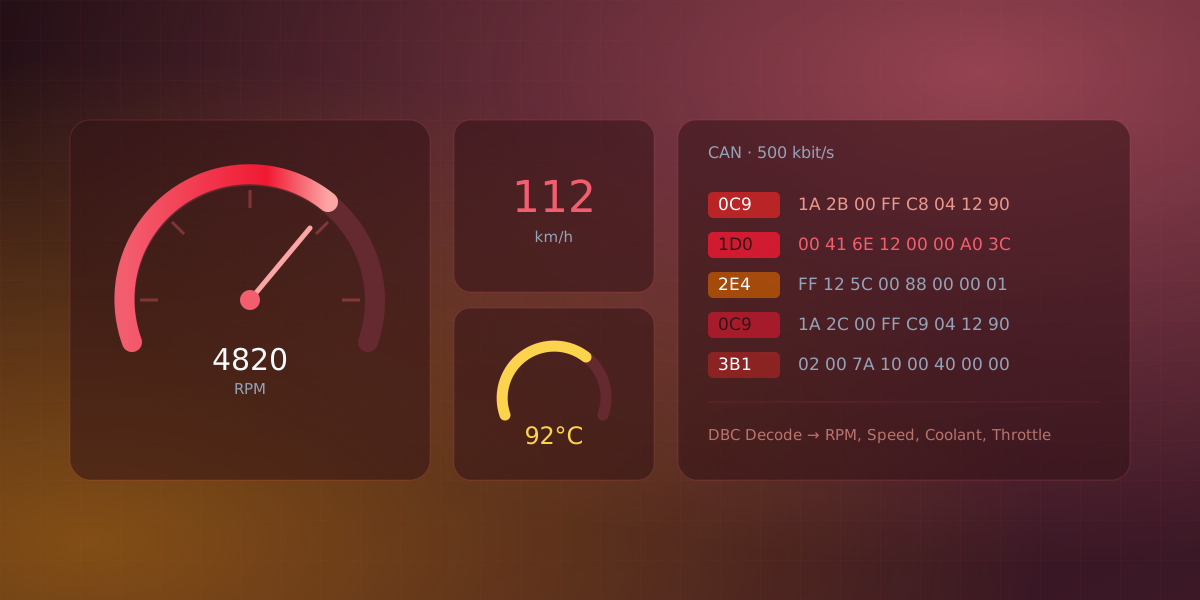
Open the hood of any car built in the last thirty years and you are looking at a CAN bus. CAN (Controller Area Network) is a broadcast bus where every module shares one twisted pair of wires and messages carry priority-ranked IDs instead of addresses. It is also common in industrial machines, electric drivetrains, and any embedded system spread across more than one board. If you have ever wanted to read the data flowing through one, it helps to understand what CAN is first, because it behaves differently from the serial and network links most people start with.
Why CAN exists
By the 1980s cars had so many electronic modules that wiring each one to every other with dedicated wires had become impractical. In 1986 Bosch introduced the Controller Area Network, later standardized as ISO 11898, to replace that harness with a single shared pair of wires that every module taps into.
CAN was designed around a few priorities that still define it:
- Noise resistance. It signals as a voltage difference across a twisted pair, which shrugs off the electrical noise of an engine bay.
- No central master. Any node can transmit whenever the bus is idle. There is no controller handing out turns.
- Deterministic priority. When two nodes start transmitting at once, the higher-priority message always wins, and it does so without either message being corrupted.
- Built-in error handling. Every frame carries a CRC, faulty frames are retransmitted automatically, and a node that misbehaves is progressively shut out.
The trade-off is modest bandwidth (1 Mbps for classic CAN) and small payloads.
The frame, and the part people misread
A classic CAN data frame carries two parts that matter day to day: an arbitration ID and up to 8 data bytes (CAN FD raises this to 64). Laid out in the order they travel on the wire, a frame looks like this:
flowchart LR
    ID[Arbitration ID<br/>11 or 29 bit] --> RTR[RTR / IDE]
    RTR --> DLC[DLC<br/>4 bit]
    DLC --> DATA[Data<br/>0-8 bytes]
    DATA --> CRC[CRC<br/>15 bit]
    CRC --> ACK[ACK]
    ACK --> EOF[EOF]
The arbitration ID is where newcomers form the wrong mental model. It is not an address. Nobody is being sent a message. The ID identifies the meaning of the message, and it is broadcast to the entire bus. Every node hears every frame and simply ignores the IDs it does not care about. Lower IDs also have higher priority, which is how arbitration stays deterministic: the lowest ID on the wire wins.
The data bytes are meaningless on their own. The value of byte 3 in a proprietary message like 0x1A0 is whatever the vehicle's designer decided it should be. There is no universal decoder ring.
The decoder ring: DBC files
The meaning of those bytes lives in a DBC file: a database that maps each message ID to the signals packed inside it, with the start bit, length, scale, offset, and units for each. With a DBC, the raw frame
ID 0x7E8 data: 41 05 83 00 00 00 00 00
becomes a named, scaled value like CoolantTemp = 91 °C. A DBC is what turns a wall of hex into an actual dashboard.
Reading a CAN bus
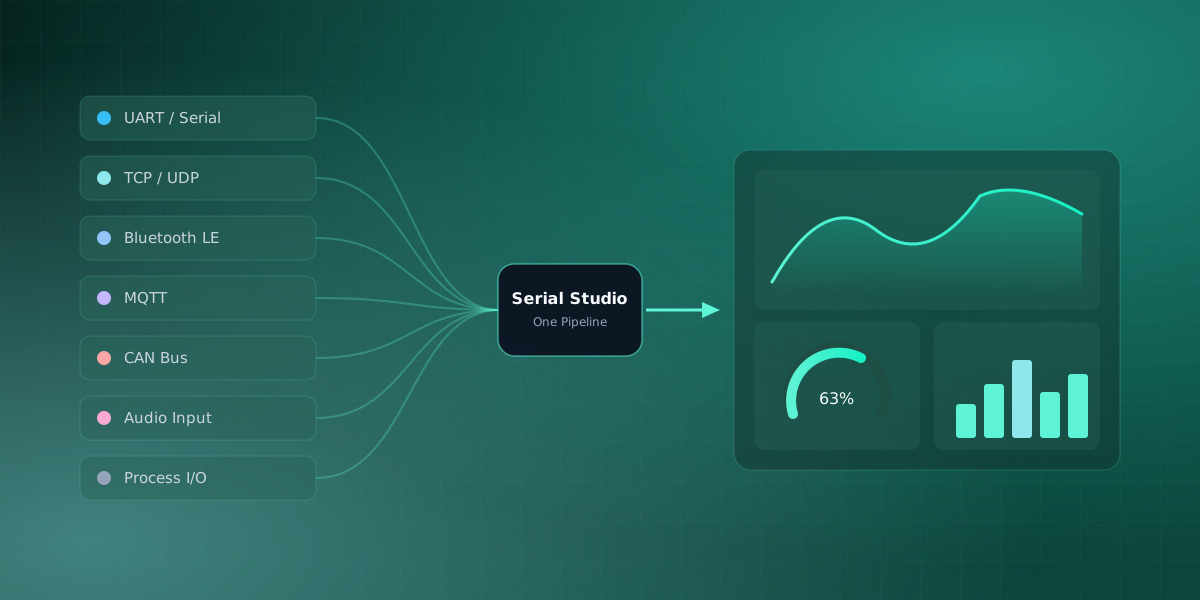
To listen to CAN you need an interface: a USB-to-CAN adapter, or SocketCAN on a Linux machine with a suitable controller. Serial Studio Pro reads CAN through Qt's QtSerialBus (which covers SocketCAN, PEAK, Vector and others) and adds its own backends for inexpensive USB adapters: CANable and other gs_usb devices, slcan serial adapters, and the Seeed/Waveshare USB-CAN Analyzer, so they work without a vendor SDK. CAN is one of the non-serial sources the app feeds through the same pipeline as everything else. When you import a DBC file, Serial Studio can build the dashboard from it automatically.
You do not need a car, or even an adapter, to try this. Serial Studio's CAN bus example includes a small ECU simulator. Select the Virtual CAN driver and the can0 interface, run the simulator with python3 ecu_simulator.py --virtual, and realistic vehicle frames start flowing. Import the bundled DBC and you get a working gauge cluster built from simulated engine data.
One safety note
If you move from the simulator to a real vehicle, remember that reading the bus is passive but transmitting is not. Sending frames onto a live vehicle bus can have real consequences. For diagnostics, prefer the standardized OBD-II port, and keep experiments on a bench harness rather than a moving car.
CAN rewards a little study. Once you see it as a broadcast of identified messages rather than point-to-point addressing, the rest of it falls into place.
If you're working with drone telemetry instead of a vehicle bus, MAVLink is the equivalent broadcast-style protocol for that world. It isn't the same thing as CAN, there is no arbitration or shared wire, but it shares the same habit of putting typed messages on a channel for whoever is listening to pick up.
Frequently asked questions
Is CAN bus the same as OBD-II?
No, and mixing them up causes confusion. CAN is the transport: the wires, the frames, the arbitration. OBD-II is a diagnostic standard that defines a connector, a set of request/response messages, and standardized parameters like coolant temperature, and in cars sold in the US since 2008 those messages travel over CAN. Reading OBD-II means sending standardized queries; reading the raw bus means listening to everything the modules broadcast anyway.
How fast is a CAN bus?
Classical CAN tops out at 1 Mbit/s, and real vehicle buses usually run at 125, 250, or 500 kbit/s. CAN FD keeps the same arbitration but switches to a faster bit rate for the payload, typically 2 to 5 Mbit/s in practice, and carries up to 64 data bytes per frame instead of 8.
Where do DBC files come from?
For your own system, you write one; editors and the format are well documented. For a commercial vehicle, the manufacturer's DBC is proprietary and almost never public, so hobbyists rely on community reverse-engineering efforts such as the openDBC project, or decode the handful of signals they need by watching values change while they act on the vehicle. Heavy trucks, buses, and agricultural equipment are the exception, since many of them run SAE J1939, a standardized application layer on top of CAN that documents a lot of the signal set instead of leaving it proprietary.
Can classical CAN and CAN FD devices share a bus?
Not freely. A classical-only controller treats an FD frame as an error, so a mixed bus only works if every node is at least FD-tolerant. This is why retrofitting FD into an existing network is a whole-bus decision, not a per-device one.
Comments