How to Activate Serial Studio Pro
Step by step: find your Serial Studio Pro license key, paste it into the Licensing dialog, activate, move it to another computer, and fix a key that is refused.

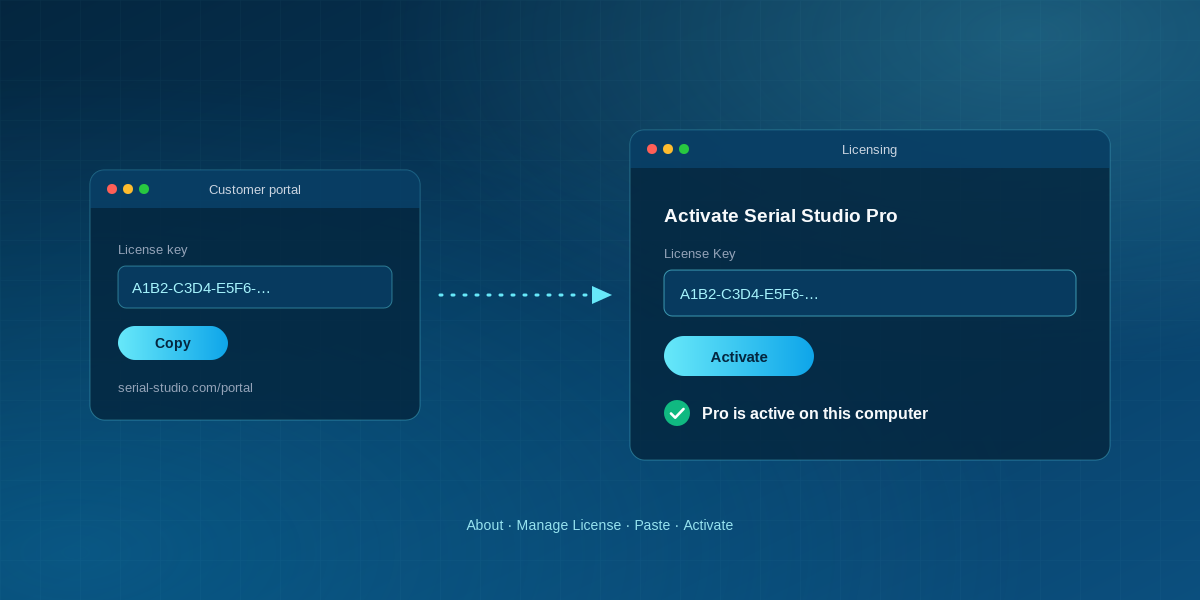
You bought a Serial Studio Pro license, or you are about to, and you want the app unlocked on your computer. Activation takes about a minute: copy the license key, paste it into one dialog, click one button. This page walks through it, then covers moving a license to another computer and what to do when a key is refused.
What you need
- The official Serial Studio build, version 4.2.3 or newer, from the download section. A build you compiled yourself from the GPLv3 source has no licensing dialog, because it has nothing to unlock.
- Your license key, a line of letters and digits that waits for you in the customer portal once you have paid.
- An internet connection, for the activation itself. After that the license is stored on the computer and Serial Studio keeps working for up to 30 days at a time without a connection. A machine that can never go online uses offline activation instead.
Where is my license key?
Your key lives in the customer portal. When your payment completes, the store sends you there and asks you to sign in. There is no password to create or remember.
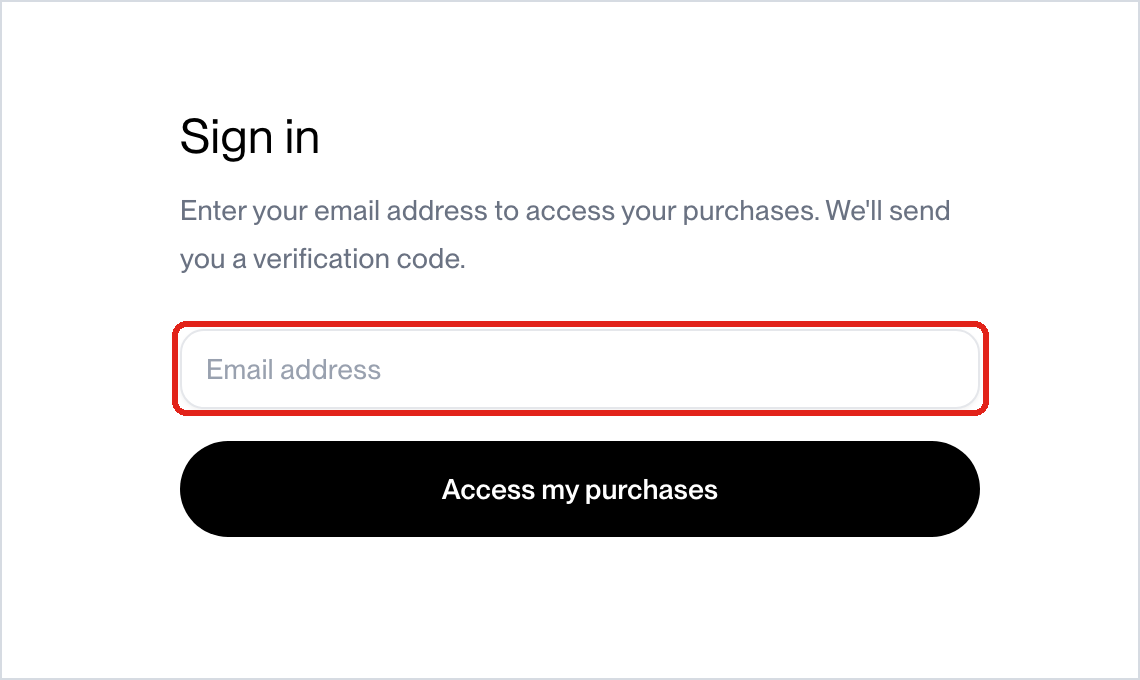
- Enter the email address you paid with and click Access my purchases.
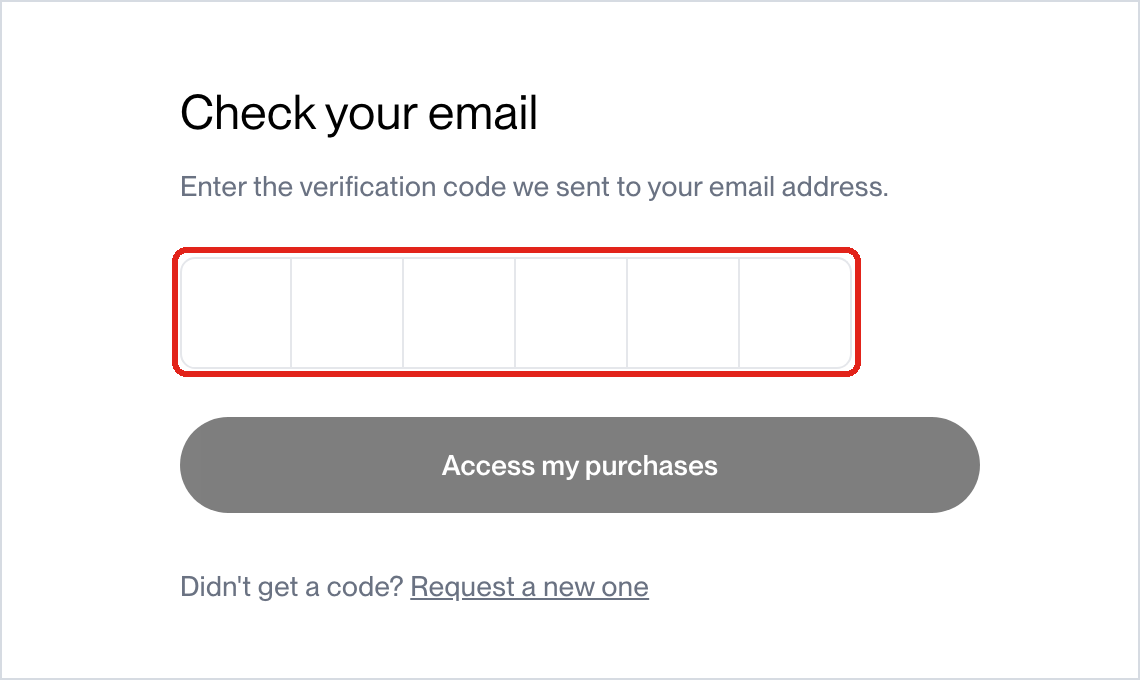
- The store emails a six-digit verification code to that address. Type it in and click Access my purchases again.
- The Overview page lists your purchase. Under Benefits you find the license key, with a Copy button beside it.
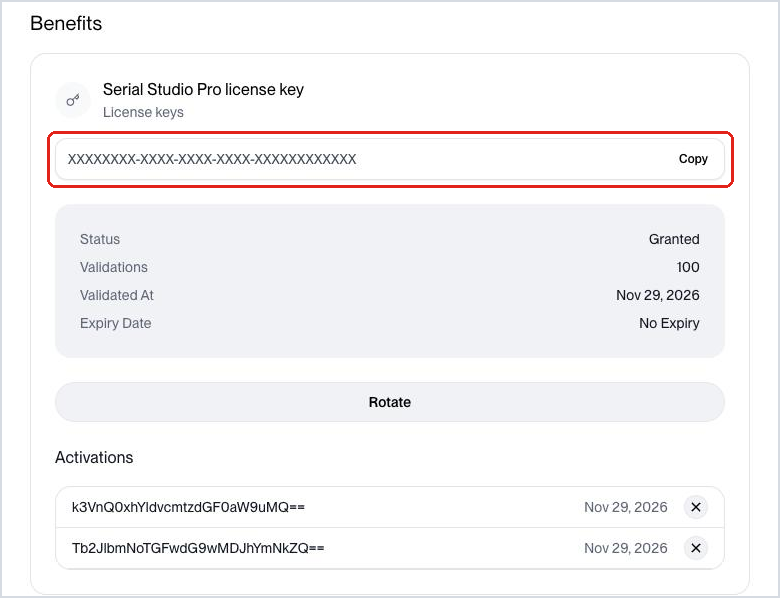
The same card shows the status of the key, its expiry date, and under Activations every computer it is active on. To come back later, open the customer portal and sign in the same way. Your orders and invoices are there too.
If the code does not arrive, check the spam folder, then use Request a new one on the same page.
If you have not bought a license yet, pick a plan first.
Step 1: open the Licensing dialog
There are two ways in, and both lead to the same dialog.
From the welcome dialog. The first time the official build starts, and on later launches while the trial is running or after it has ended, a welcome dialog offers three buttons. Click Activate.
From the toolbar. With the main window open, click About in the toolbar.

The About dialog opens. Manage License is the first button in it.
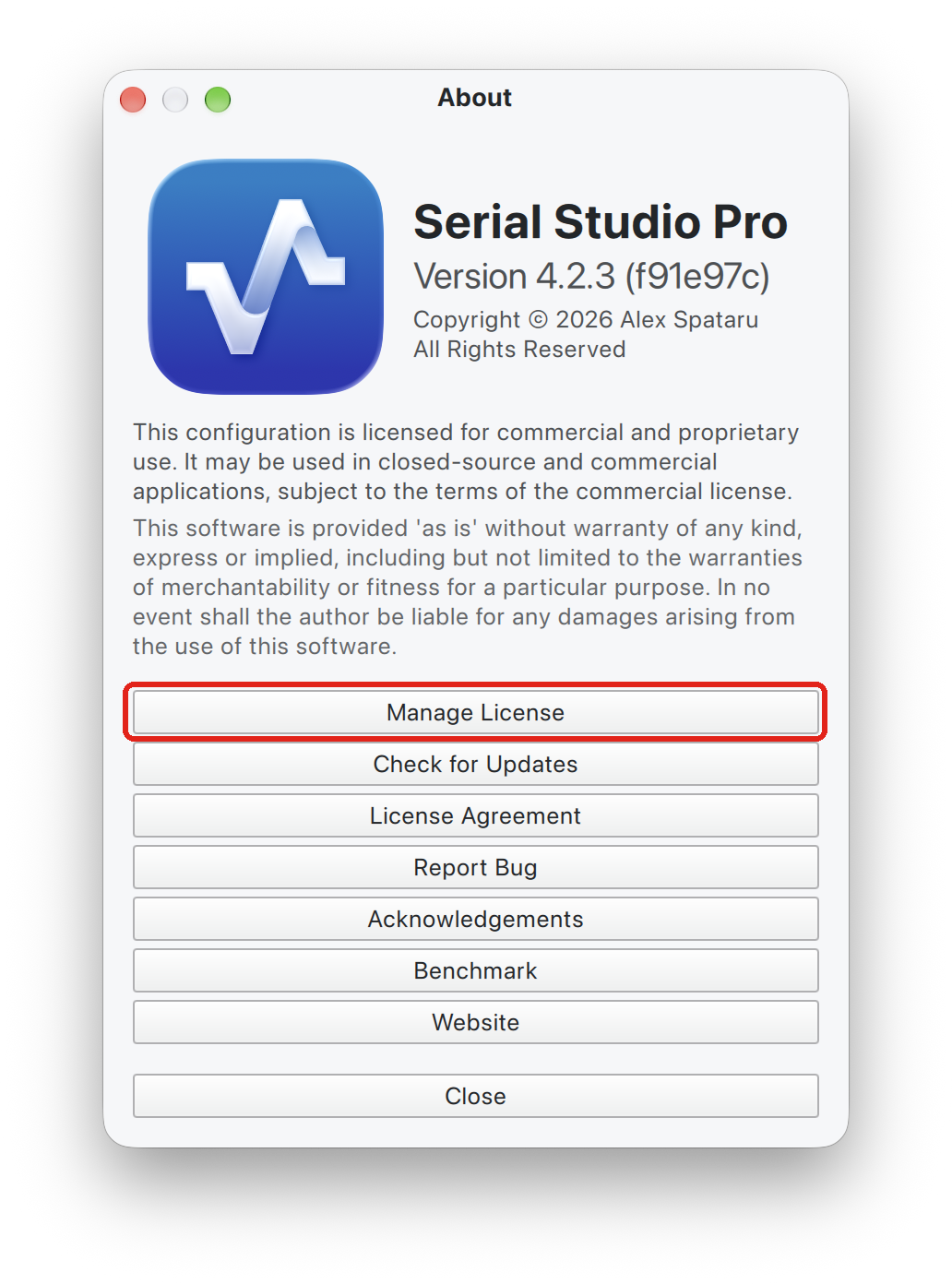
Once a trial has expired, the toolbar itself shows an Activate button where Connect used to be. It opens the same dialog.
Step 2: paste the key and activate
- Click in the key field and paste your key. It is shown as dots; the eye button beside the field reveals it if you want to check what you pasted.
- Click Activate.
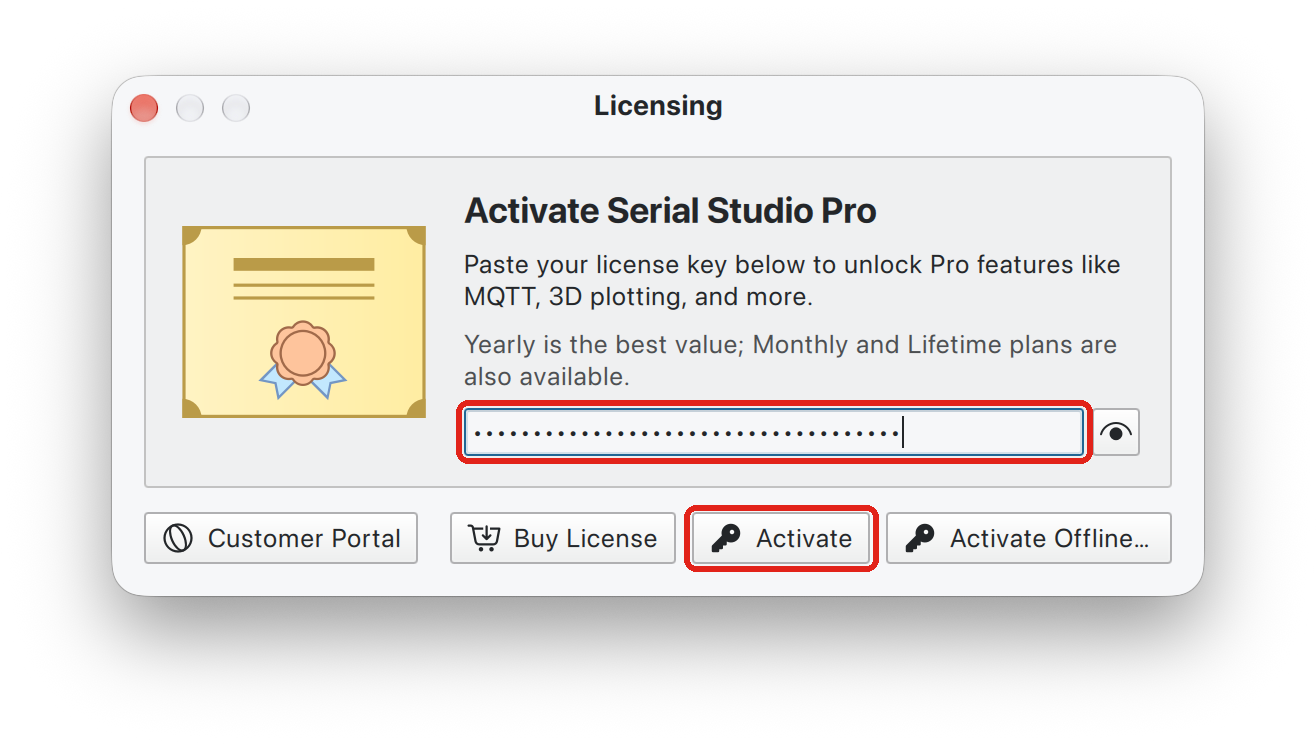
Serial Studio contacts the licensing server, which checks the key and records this computer as one of its devices. That takes a second or two.
Step 3: check that it worked
The dialog changes from a single key field to a summary of the license:
| Field | What it tells you |
|---|---|
| Product | The Serial Studio edition the key unlocks |
| Licensee and Licensee E-Mail | The name and address on the order |
| Device Usage | How many computers the license covers, and how many are taken when the store reports it |
| Device ID | The identifier of this computer, which is what the activation is bound to |
| License Key | The key this computer was activated with |
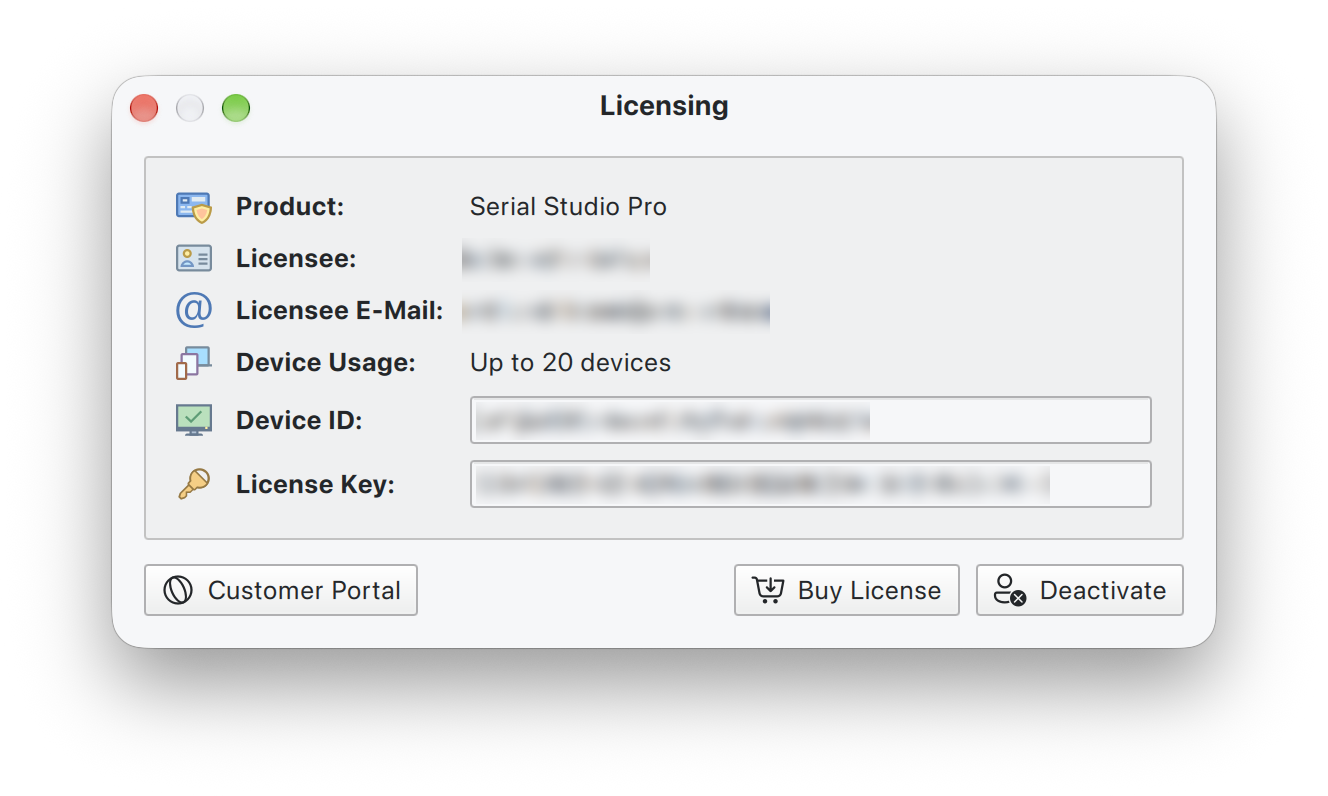
Close the dialog. Connect is back in the toolbar and every Pro feature is available. Nothing has to be restarted.
How many computers can I activate?
Each plan includes a number of device activations, where one activation is one computer running Serial Studio:
| Plan | Device activations |
|---|---|
| Pro (monthly, yearly or lifetime) | 3 |
| Small Business | 10 |
| Test Stand | 20 |
Use the same key on each computer. The Activations list in the customer portal shows which ones are taken.
Moving a license to another computer
Open the Licensing dialog on the computer you are retiring (About, then Manage License) and click Deactivate. That frees the activation. Then activate the same key on the new computer.
If the old computer is gone, lost or reinstalled, you cannot click the button there. Sign in to the customer portal and look under Activations on the license card. Each computer appears as a line of letters and digits with the date it was activated; click the × beside the one you are retiring. If you cannot tell which line is which, write to alex@serial-studio.com and I will release it for you.
One exception: an activation made with the offline procedure is permanent. An air-gapped machine cannot report that it was deactivated, so the activation stays with it.
My key was refused
Work down this list. It is ordered by how often each cause turns out to be the one.
- The key has a typo or a stray space. Copy it again from the customer portal instead of retyping it.
- Every activation is in use. Deactivate a computer you no longer use, as described above.
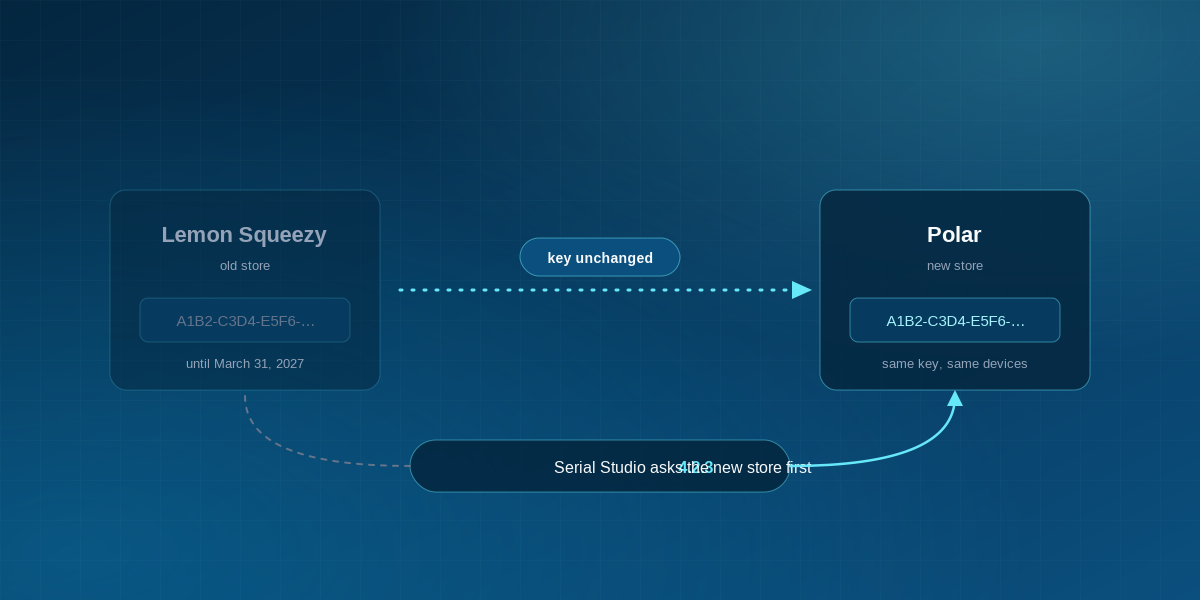
- The app is older than 4.2.3. Serial Studio's store moved in late 2026, and older versions only know the previous one. Update, then try again. The post about the move has the details.
- The subscription ended. A monthly or yearly key stops working when the paid period runs out after a cancellation, or when a renewal payment fails. The customer portal shows its status.
- The computer cannot reach the licensing server. A corporate firewall or proxy may be blocking it. Try another network, or ask your IT team to allow
api.polar.sh. If the machine is never allowed online, use offline activation. - The build is a GPLv3 build. It has no Licensing dialog at all. Install the official build.
If none of these fits, write to alex@serial-studio.com from the address you bought with and include the message the dialog showed. Please do not send the key itself in a public issue.
Frequently asked questions
Do I need an account inside the app?
No. The app never asks you to sign in. The license key is the only thing it needs.
Does Serial Studio need the internet every time it starts?
No. After activation the license is cached on the computer. Serial Studio checks it again when a connection is available, and a machine that stays offline keeps working for 30 days between checks.
Does the trial have to end before I can activate?
No. You can activate at any point, during the trial or after it.
What does the license check send?
Your license key and an identifier derived from the computer's hardware. It does not send your projects, your data or anything about your devices. The privacy policy lists every connection the app makes.
Can I activate a computer with no internet at all?
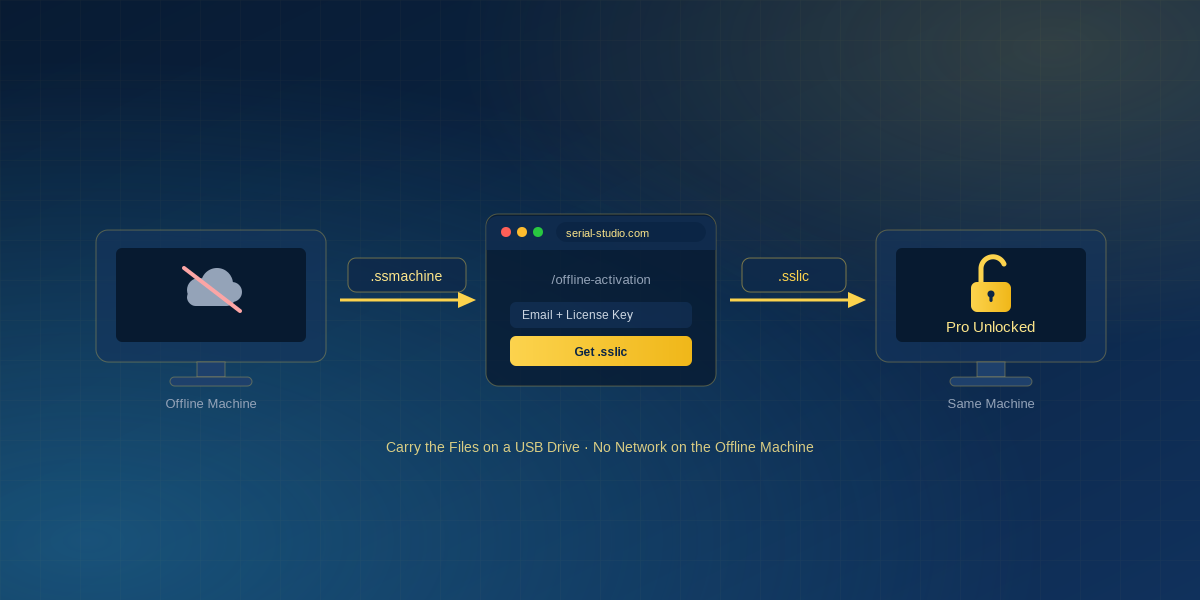
Yes, with a Lifetime or Test Stand license. Activate Serial Studio Pro Offline walks through it.
Comments