
Robotics and automation
- IMU, encoder and motor data on one screen
- Sliders and buttons to tune a controller live
- Bluetooth LE and UDP for untethered robots
Nine pages on what Serial Studio connects to, how a dashboard comes together, and what each edition includes. Read it here or take the PDF to a meeting.
Connect a microcontroller, an instrument or an industrial bus. Describe your data once. Serial Studio draws the dashboard, records every frame and sends commands back.
Windows, macOS, Linux and Raspberry Pi. Open source on GitHub.
How it began
Serial Studio started on a ground station. During a CanSat competition, and later the NASA Human Exploration Rover Challenge, every change to the telemetry format meant another late night in the dashboard code instead of on the hardware.
The pattern repeated across teams and semesters. A microcontroller printed sensor values over a cable, and somebody had to build a custom program around them.
The general answer was a dashboard that is described, not programmed. The device keeps printing values. The layout lives in a project file on the computer.
Did you ever have the need to display data from a microcontroller on a dashboard, and spent more time developing (and fixing) your dashboard software, than working on your MCU project?
Alex Spataru, introducing Serial Studio, December 2020
Six promises organize everything it does today.
One
If it sends data, it has a place on the dashboard.
Fourteen drivers ship in one installer. Serial, network and Bluetooth LE are free. The industrial and lab buses are part of Pro.
Free Pro
Two
A first plot in minutes, with the firmware you already have.
Quick Plot. Print comma-separated values and they are plotted. It also reads name:value pairs, units and one-line JSON, with no project file.
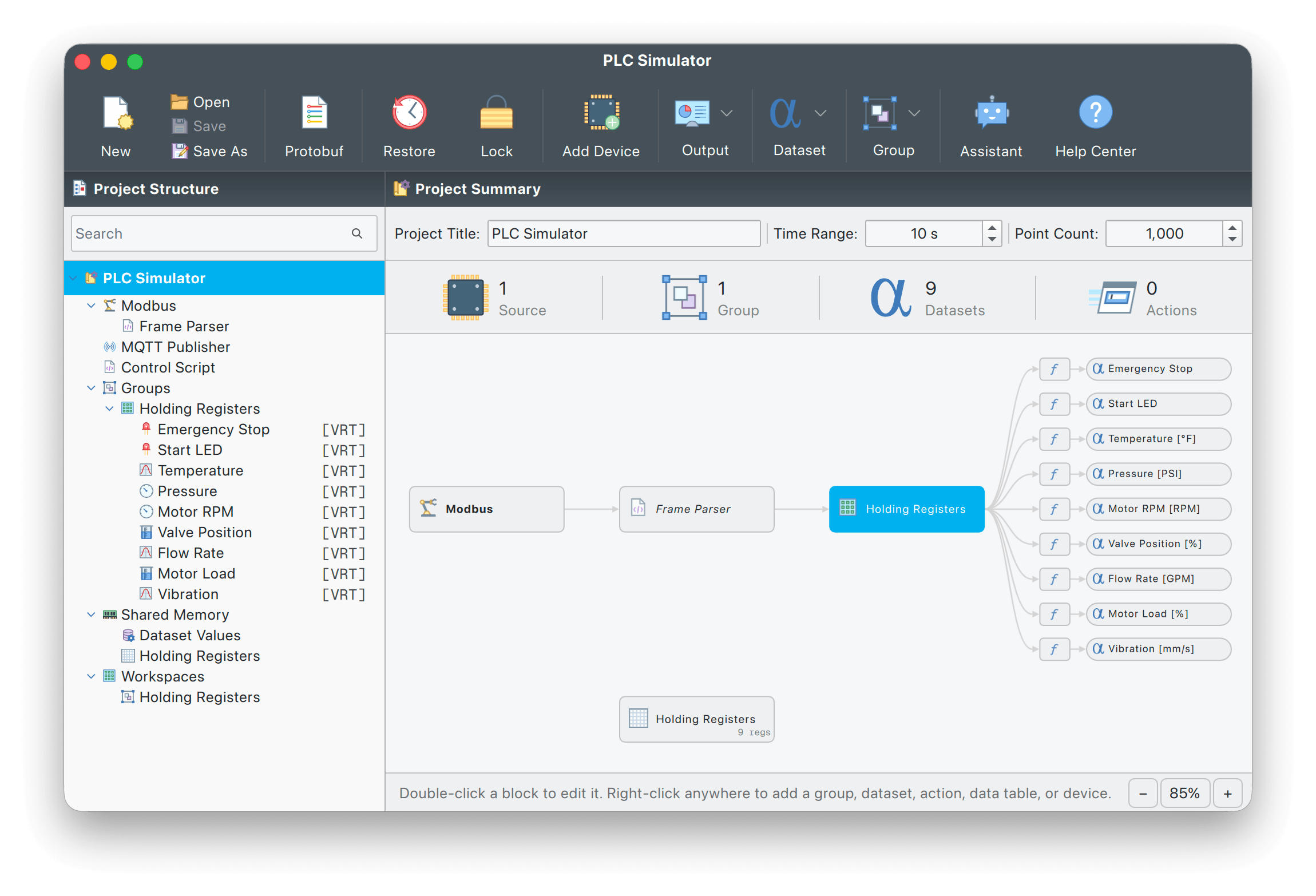
Project Editor. When you want a real dashboard, you fill in forms: groups, datasets, widgets, alarm bands and actions. Save as Project turns a Quick Plot session into the starting point.
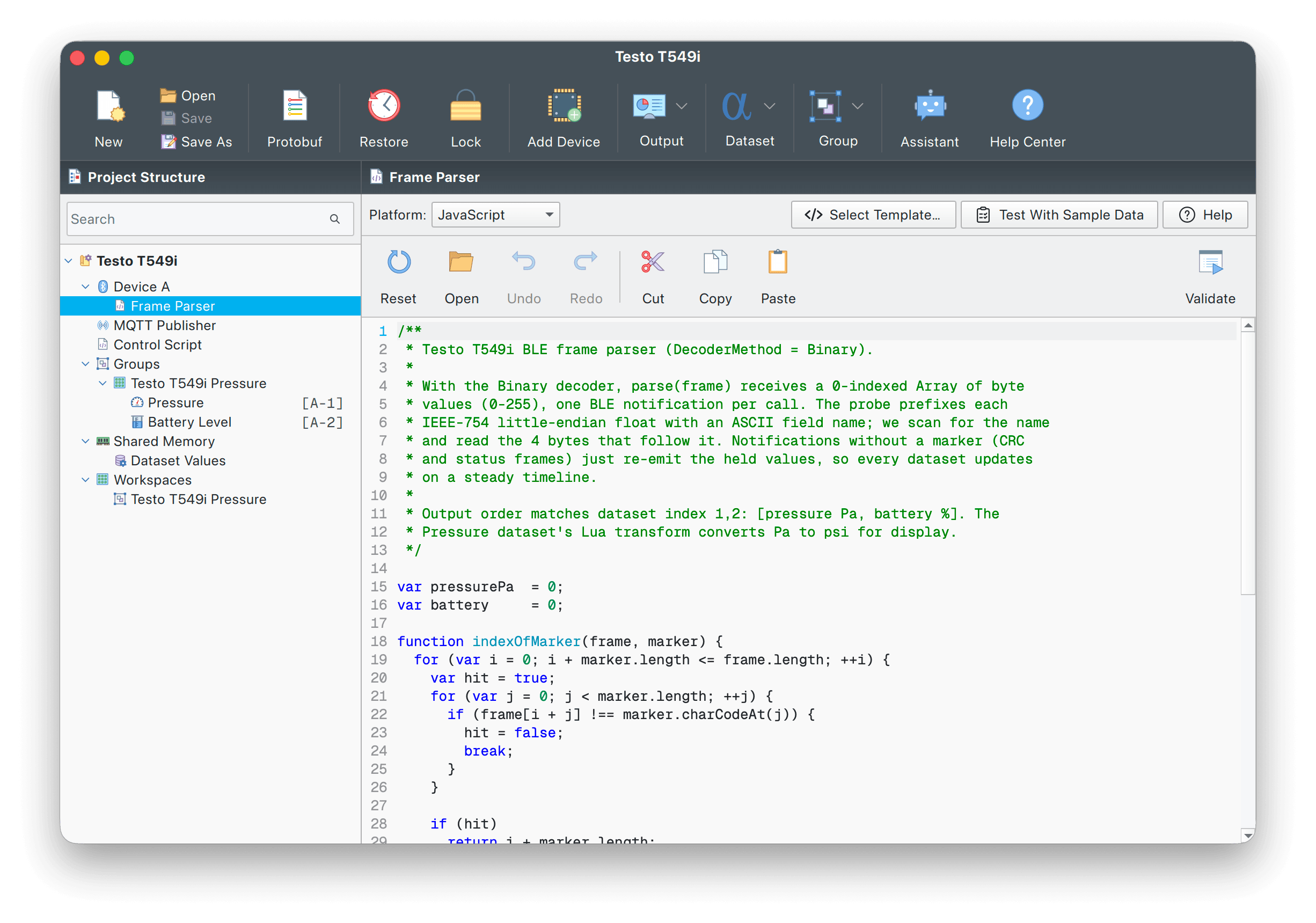
Parsers. 28 built-in templates decode text and binary frames with no code. When a protocol needs logic, write the parser in JavaScript or Lua.
Three
Arrange it once. It is saved with the project.
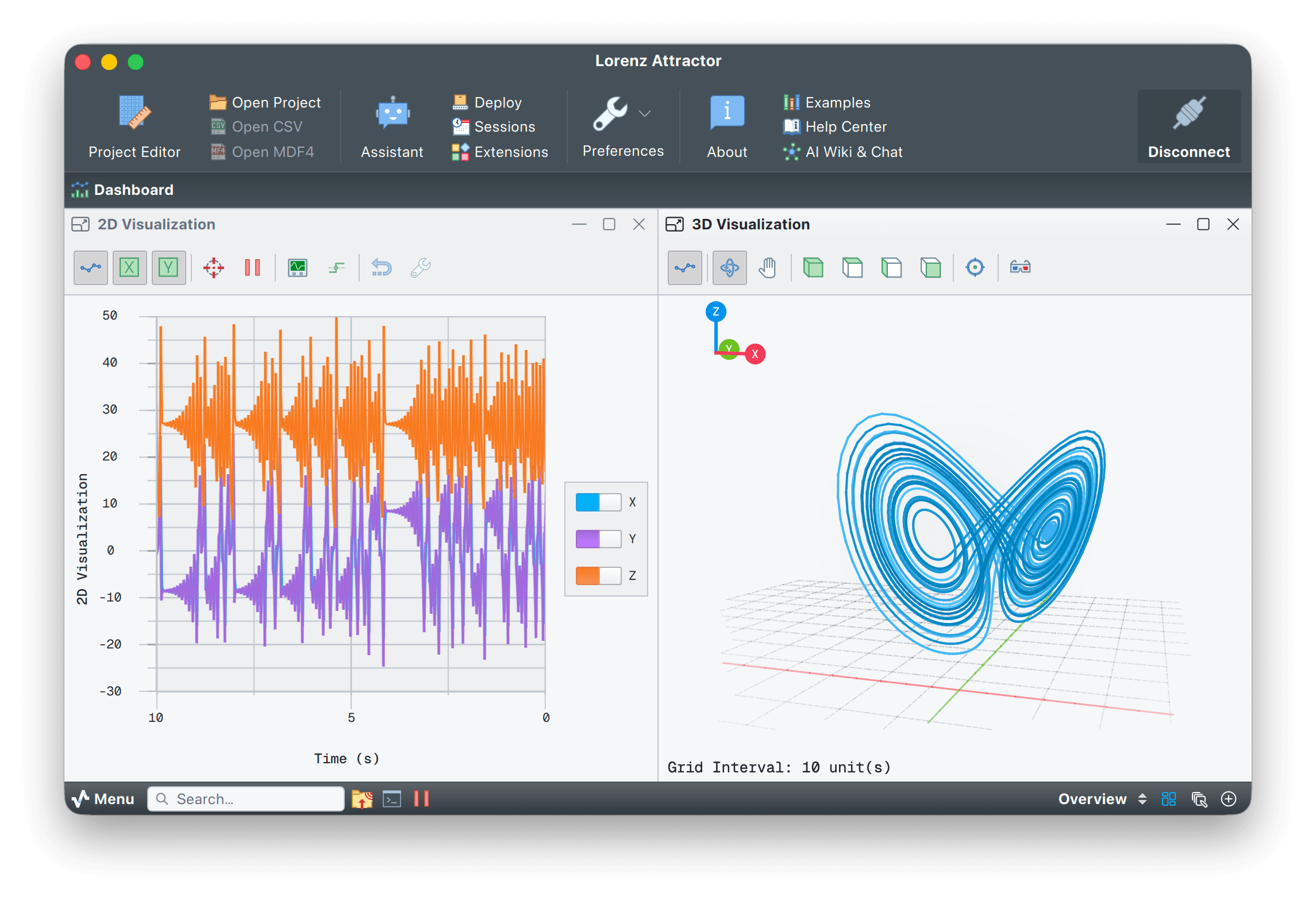
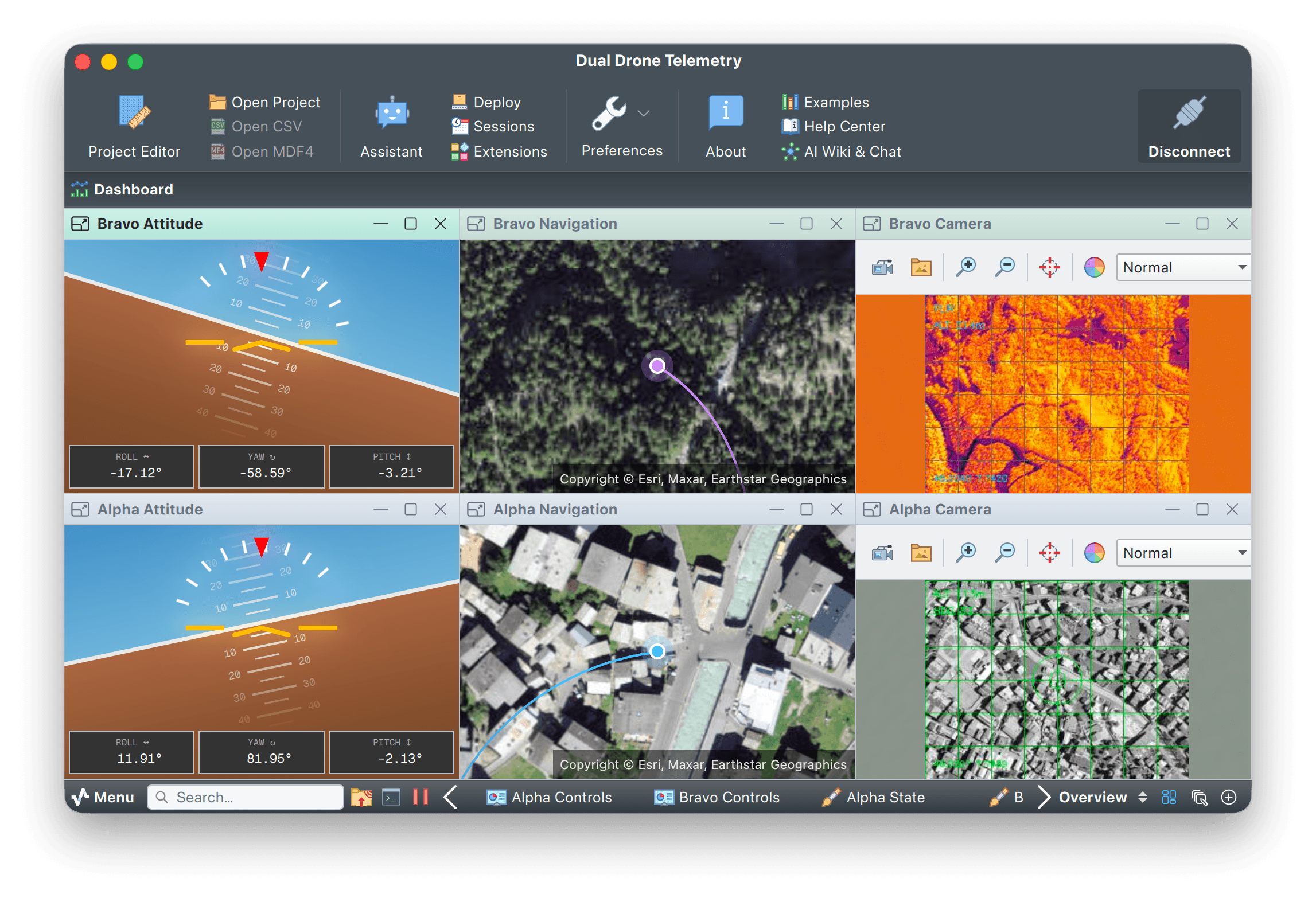
Widgets. Plots, multi-plots, FFT, bars, gauges, meters, a compass, accelerometer and gyroscope views, a GPS map, data grids, LED panels and a terminal. Pro adds 3D plots, a waterfall, an image view and a canvas you draw with a script.
Alarm bands. A gauge or bar changes color as a value moves from normal to warning to critical, and an audible alert can follow it.
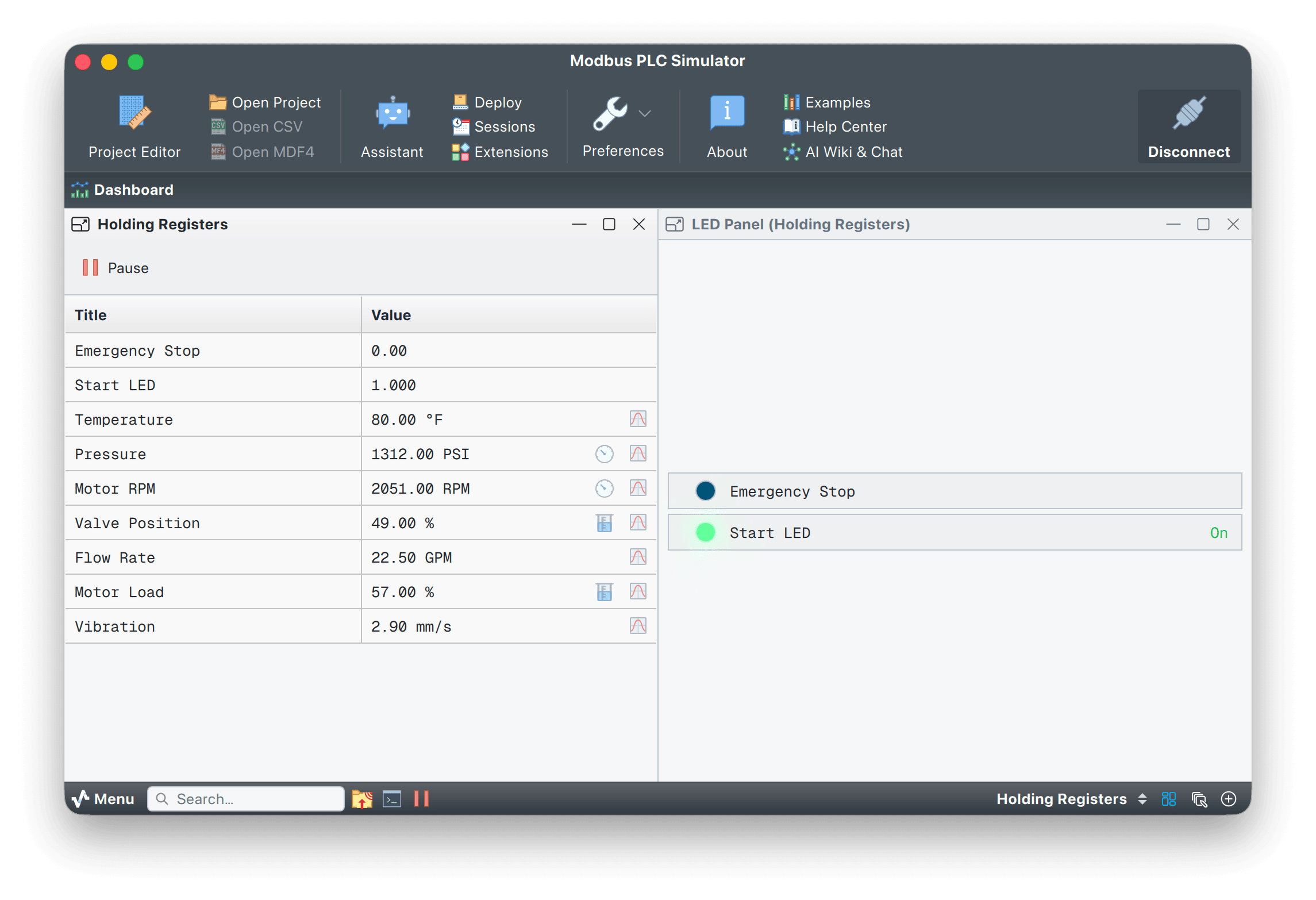
Controls. With Pro, buttons, sliders, knobs and toggles sit next to the data, so the dashboard sends commands back to the device.
Four
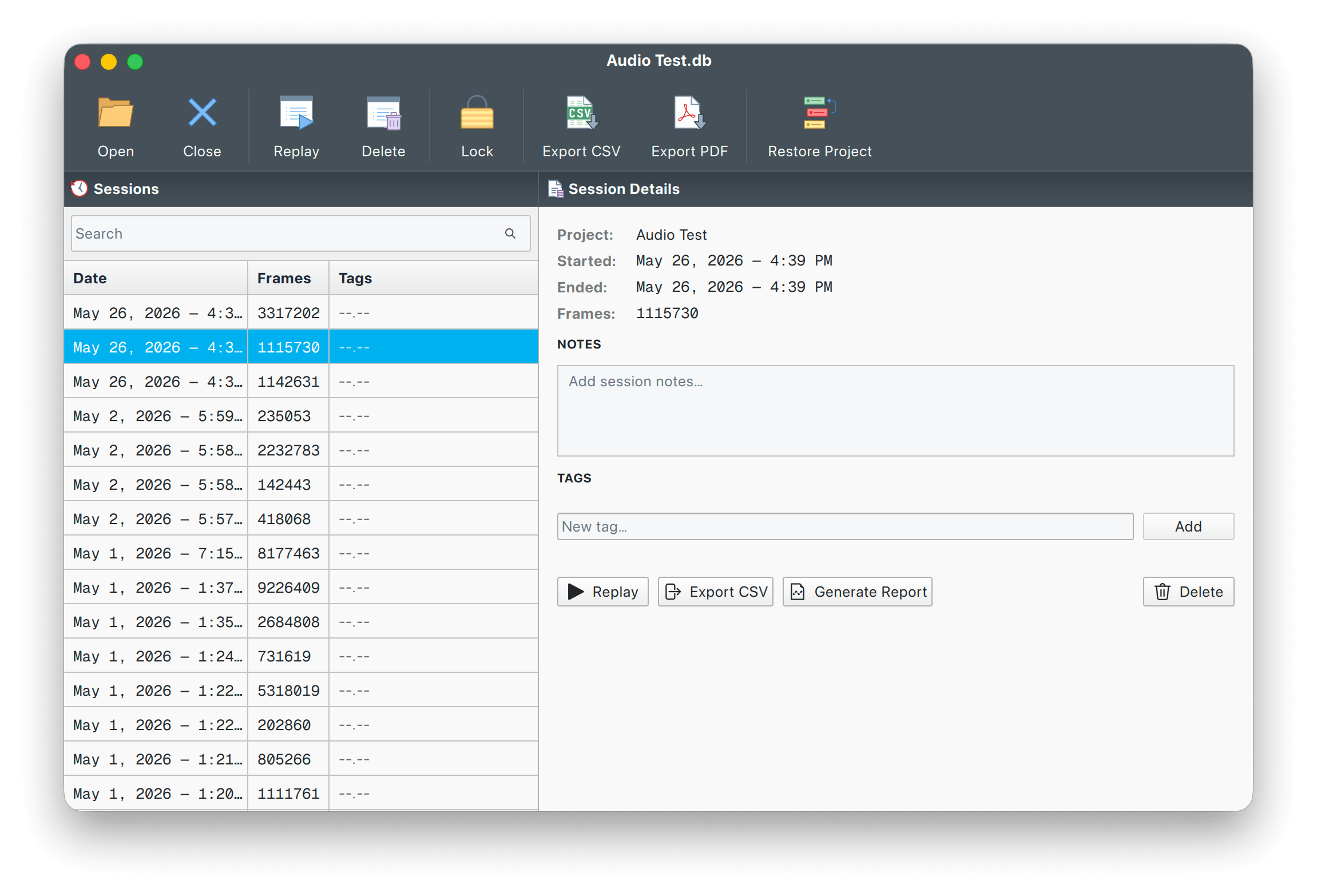
Record the session. Replay it through the same dashboard.
CSV, free. Export while you measure. Open the file later and the dashboard replays it as if the device were still connected.
MDF4, Pro. Read and write the format automotive tools already use.
Historian, Pro. One database file per project keeps the values, the raw bytes and the project itself. Tag a session, add notes, replay it, or restore the project it was recorded with.
Reports, Pro. Turn a recorded session into a PDF.
Five and six
Stay ahead of the device.
Serial Studio is a native C++ application, not a browser tab. Its parsing pipeline is tested at 256,000 frames per second on every build, on Windows, macOS and Linux, and a build that falls below that fails. Real throughput depends on your computer.
The display refreshes at 60 Hz by default. Every frame is still processed and recorded.
Stay open to your own tools.
You never have to program. If you want to, the API server answers more than 440 commands over TCP, gRPC and MCP, parsers run JavaScript or Lua, and extensions add widgets, themes and parsers.
The AI Assistant (Pro) builds and edits projects with your own API key or a local model, and asks before it changes anything.
Where it is used
Teledyne · NXP Semiconductors · Harvard University · Windracers · Kemper · Spectrum Medical · Critical Software · University of Bath · Aether Space · Terranova · Bonnel · Newbury Innovation · Sorcerer · Spherie · Redlite · NJIT Baja Racing · Marco Beverage Systems · Grinn Global · Spectra Ingenuity · ThoraTech · CUNY · Wolffsohn Research · White River Technologies
Editions
$0
Serial, network and Bluetooth LE. The standard widgets, Quick Plot, the Project Editor, JavaScript and Lua parsers, CSV and the API server.
Build it from the GPLv3 source, or use the official installer for personal, educational and open-source work.
$179 a year
Everything, for commercial use: all 14 drivers, 3D, waterfall and canvas widgets, controls, MDF4, the Historian, reports, the AI Assistant and email support.
Also $19 a month, or $699 once for a lifetime license. 3 activations.
$349 a year
Small Business covers a team with 10 activations, also at $39 a month.
Test Stand is $1,900 once: 20 offline activations with no renewals, for machines that never go online.
No card required. When the trial ends, the free features keep working.
serial-studio.comalex@serial-studio.comgithub.com/Serial-Studio