Read Allen-Bradley Tags Without RSLinx
How EtherNet/IP addresses Logix tags by symbolic name, what the CIP path and controller family actually do, and how to read ControlLogix data with no RSLinx.

Rockwell's ecosystem is coherent and well supported, and it is also a commitment. If you want to look at four tags on a CompactLogix, the well-trodden path runs through RSLinx Classic or FactoryTalk Linx, which means an installation, a licence on somebody's machine and usually a conversation with whoever administers it. That is entirely reasonable for an HMI that will run for a decade. It is a lot of ceremony for "is the tank level actually moving?"
EtherNet/IP does not require any of that. It is an open protocol, the controller will answer a client that speaks it correctly, and reading a tag does not need Rockwell software in the middle.
CIP over ordinary Ethernet
EtherNet/IP carries CIP, the Common Industrial Protocol, over normal Ethernet. The name confuses people at first: the IP is Industrial Protocol, not Internet Protocol, and this is not a different physical layer. It is regular Ethernet, and the switch does not know or care.
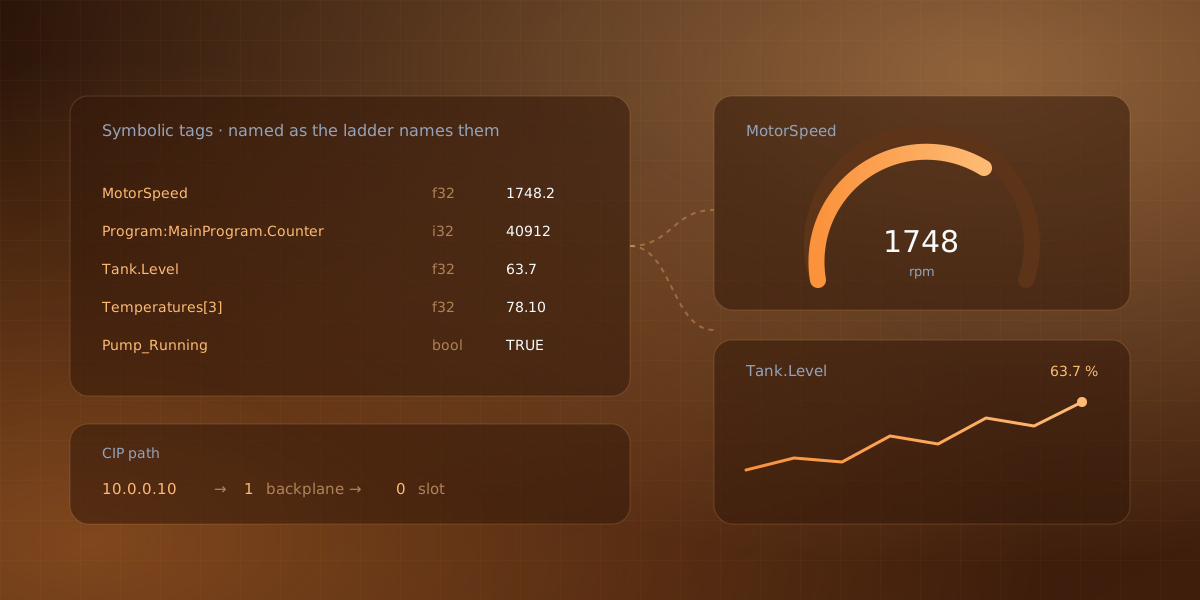
What makes Logix controllers pleasant compared with register-and-offset protocols is that they address data by symbolic tag name. The same MotorSpeed the ladder logic uses is the string a client asks for. There is no memory map to maintain, no spreadsheet mapping address 40007 to a meaning, and nothing that silently shifts when somebody inserts a variable.
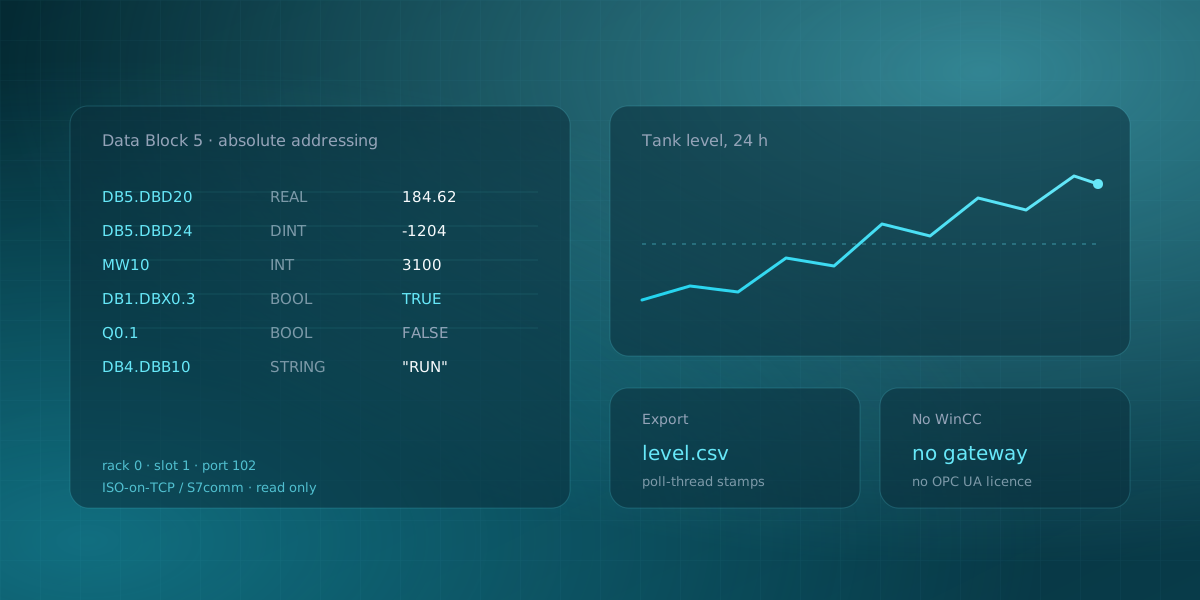
Compared with reading a Siemens controller by absolute address, this is a much friendlier model. You ask for the name and the controller finds it.
Addressing
Four shapes cover nearly everything:
| Example | Reads |
|---|---|
MotorSpeed |
A controller-scoped tag |
Program:MainProgram.Counter |
A program-scoped tag |
Tank.Level |
A member of a UDT-typed tag |
Temperatures with element 3 |
One element of an array tag |
Names are case-insensitive on the controller. Program-scoped tags need the Program: prefix and the program name, which is the detail people forget when a tag that plainly exists comes back refused.
The one field worth double-checking
Here is the sharp edge, and it is worth stating plainly because it does not announce itself.
The controller does not publish a tag's type on the wire in a form a client can trust for rendering. So the client declares one: bool, i8, u8, i16, u16, i32, u32, i64, u64, f32, f64 or str. The mapping from Logix types is straightforward once you have seen it: a DINT is i32, a REAL is f32, a BOOL is bool, a STRING is str.
A declared type that does not match what the controller stores produces a wrong reading, not an error. There is no exception, no red banner, just a number that is wrong in a way that can look plausible. A REAL read as an i32 gives you a large meaningless integer that a chart will happily plot. This is the field to check against the controller's tag database rather than guess at.
Contrast that with a protocol where a mismatched width gets refused outright, and you can see why this one deserves a second look before you trust the trend.
Gateway and CIP path
Two fields decide whether you reach the CPU at all.
Gateway is the IP address of the device that answers EtherNet/IP. On a CompactLogix that is the controller itself. On a ControlLogix it is the Ethernet bridge module in the rack, which is not the same thing as the processor.
CIP path is the route from that gateway to the CPU, written as a comma-separated path. 1,0 is the common case and means backplane port 1, slot 0. If your processor sits in slot 2, the path is 1,2. For MicroLogix and PLC-5 controllers, leave it empty, because you are addressing the gateway itself and there is no backplane to cross.
Then there is the controller family: ControlLogix, CompactLogix, MicroLogix, Micro800, PLC-5, SLC 500, Logix PCCC, or Omron NJ/NX. Picking the wrong one is the most common reason a controller you can ping refuses every tag you ask for. The families genuinely speak different dialects underneath the shared transport, and a client that guesses will guess wrong.
Failing at connect time, not silently
A well-behaved client opens one handle per configured tag when the session starts. That has a pleasant consequence: a tag the controller does not recognise fails the connection attempt and names the tag it refused.
That is much better than the alternative, where a typo becomes a channel that connects fine and then never updates, and you spend twenty minutes wondering whether the process is idle or your spelling is wrong.
Once polling, every tick reads the list and compares against the previous tick, and only changed values go into a frame. Timeouts are counted and the affected channels keep their last value, because the underlying library reconnects on its own; the link is only declared lost after several consecutive ticks where nothing answered at all. A momentary blip should not tear down your recording.
It cannot write
The EtherNet/IP client in Serial Studio reads only. There is no write path in it: no tag to set, no command to issue. Connecting it to a running machine cannot change that machine's state.
For anyone who has had to justify plugging a laptop into a production line, this is the sentence that matters. It is a property of the build, not a mode you have to remember to leave on.
From tags to a dashboard
Configure the list once, with a channel name, the controller's tag name, the declared type and an optional element index. Create Project from Tags generates the rest: one group per program scope plus a Controller Tags group for controller-scoped tags, LED widgets for booleans, plots for numeric types, strings into the data grid.
From there it behaves like any other source. CSV or MDF4 recording, replay through the same pipeline, and a PDF report with per-parameter statistics if the output needs to go to someone who was not in the room.
The same runs headless:
SerialStudio --ethernetip 192.168.0.10 --ethernetip-path 1,0 \
  --ethernetip-plc controllogix \
  --ethernetip-tag "MotorSpeed:f32" \
  --ethernetip-tag "Temperatures:f32:3" \
  --ethernetip-interval 250
Trying it without a controller
Every other industrial driver in Serial Studio ships a simulator you can run on your laptop. This one does not, and the reason is worth explaining rather than apologising for.
Reading a single Logix tag means an encapsulation session, a forward-open on an unconnected message manager, a CIP path through the backplane, and the vendor's symbolic-segment tag addressing on top. A hundred-line Python stub could accept a socket and answer plausible-looking bytes, and it would exercise none of the parts that actually go wrong in a plant. Worse, it would give a false pass on a client change. So this example points at something real instead of pretending.
Two options behave like the hardware:
-
ab_server, which ships with the libplctag sources and is what that library's own test suite runs against. It answers CIP tag reads for a tag list you hand it on the command line, and needs no Rockwell licence:ab_server --plc=ControlLogix --path=1,0 \ --tag=Tank_Level:REAL --tag=Pump_Running:BOOL -
Studio 5000 Logix Emulate, the licensed Rockwell option, which emulates a ControlLogix chassis on Windows including the CIP stack, so a real project can be downloaded and polled.
And of course any CompactLogix or ControlLogix already on the network works with nothing extra installed, which is often the fastest route if there is a spare one on a bench.
The other route: OPC UA
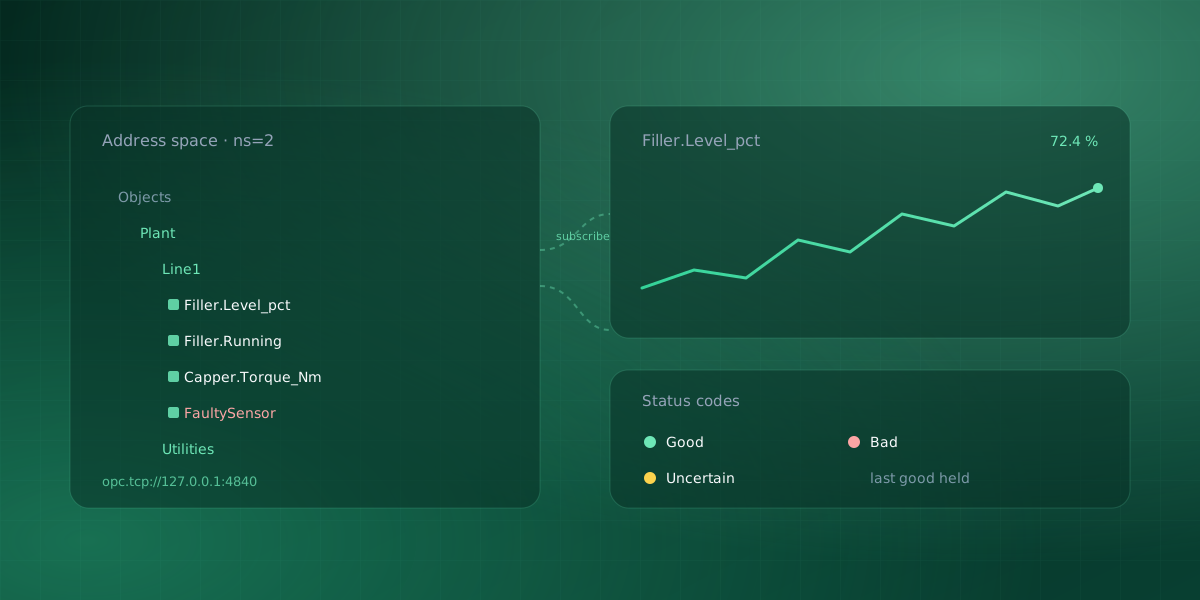
If there is a FactoryTalk Linx Gateway in the picture, or a KEPServerEX or Ignition instance fronting the controller, you have a second option: talk OPC UA to the gateway instead. That gets you a browsable, typed address space where the server tells you what exists, which sidesteps the declared-type problem entirely.
Which is better depends on what already exists. If a gateway is deployed, use it. If it is not, standing one up to read four tags is the same ceremony problem you started with, and going direct is the shorter path.
Serial Studio's EtherNet/IP driver is part of the Pro build rather than the GPLv3 one, and the fourteen-day trial unlocks it. The simulator page covers the protocols you can evaluate with no hardware at all.
Comments